


















Go-Kart Conversion Kits: How to Turn Your Hoverboard into a Seat Cart | iHoverboard
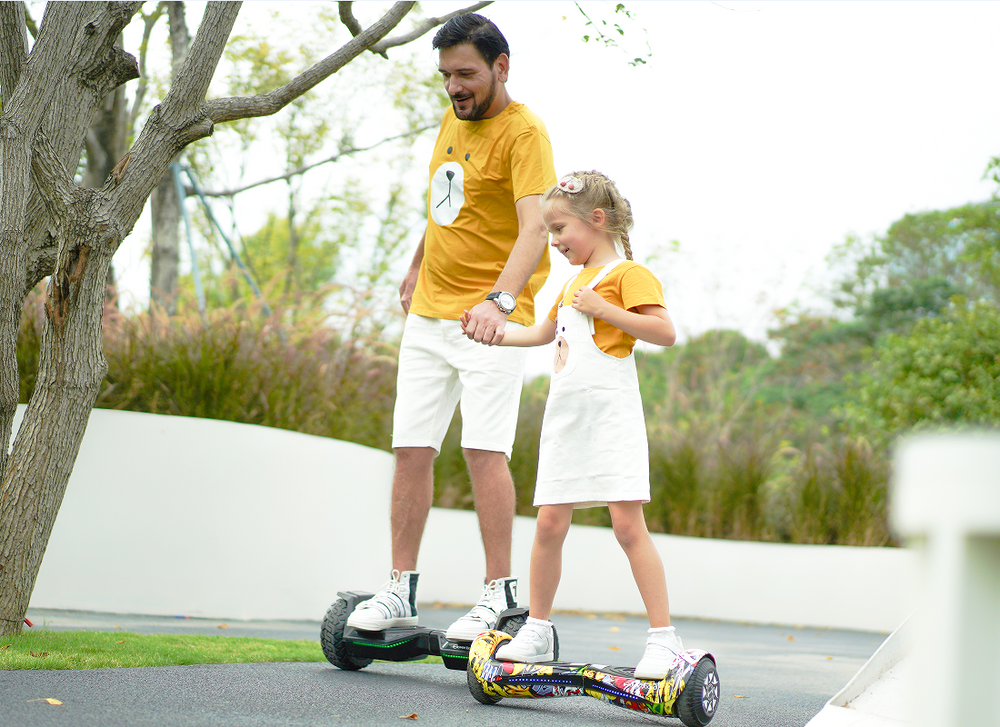
The first time my nephew tried standing on a self-balancing board, his legs wobbled like jelly before he promptly slid off onto the grass. While standing upright on two wheels comes naturally to some, younger riders or beginners often struggle with balance and foot fatigue. Watching him hesitate to get back on made me realize that standing isn't the only way to enjoy a electric ride-on. Attaching a hoverboard go kart conversion kit transforms a standard self-balancing deck into a low-riding, three-wheeled kart racer. By shifting the rider's center of gravity from a standing posture to a seated position, these attachments deliver safer hoverboard riding while completely reinventing the riding experience. In this guide, we will cover frame compatibility, feature highlights of theiHoverboard K3 Go Kart kit, assembly steps, and hand-control driving techniques. Riding a standard hoverboard requires continuous micro-adjustments from your ankles, calves, and core to maintain balance. For younger children or riders recovering from injuries, this constant physical effort can lead to quick fatigue or unexpected falls. Converting your deck into a seated kart offers several major advantages: For a complete look at how seating accessories improve rider confidence, explore our comprehensive guide to hoverboard go-kart conversion kits. Before purchasing an attachment, verifying frame compatibility with your specific hoverboard model is essential. Most universal conversion kits utilize adjustable clamping brackets and heavy-duty rubberized straps that wrap around the board's footpads. Hoverboard Wheel Size / Type Conversion Kit Compatibility Special Considerations 6.5-Inch Standard Boards Fully Compatible Great for indoor cruising and smooth driveways. 8-Inch & 8.5-Inch All-Terrain Fully Compatible Ideal setup for park grass, packed dirt, and outdoor trails. 10-Inch Pneumatic Models Fully Compatible Provides maximum ground clearance and cushion over bumps. Center-Bar / Handlebar Models Not Compatible Boards with rigid vertical control bars cannot fit flat seat frames. When preparing to attach seat to ihoverboard units, ensure the central bridge of your hoverboard is flat and free of built-in carrying handles that could prevent the kart base from resting flush. If you are looking for the best hoverkart for kids and adults alike, the k3 hoverboard go kart kit is engineered specifically for durability, adjustability, and smooth handling. Key specifications and design features include: To discover more about setting up this specific model for your family, read our detailed K3 hoverboard go-kart guide. Completing your hoverkart frame assembly takes less than 10 to 15 minutes using the basic tools provided in the box. Follow these straightforward steps to assemble your hoverboard with seat attachment: Driving a hoverkart is intuitive because the hand levers physically push down on the hoverboard's pressure-sensitive footpads. Before turning on the power switch, always ensure the hoverboard is sitting level on flat ground and that the rider is seated comfortably with their feet resting on the foot pegs. Most standard 6.5-inch, 8-inch, 8.5-inch, and 10-inch hoverboards are compatible with universal seat conversion kits. However, hoverboards featuring a permanent vertical steering bar or center handle cannot accommodate a kart attachment frame. Yes, riding a hoverkart is generally safer for young children than standing on a hoverboard. Sitting down lowers the rider's center of gravity, eliminates standing balance requirements, prevents sudden backward falls, and uses intuitive hand levers for steering and braking. No, high-quality kart attachments feature protective rubber pads on the mounting brackets to prevent scratching the hoverboard's plastic casing. Ensuring the Velcro straps are tightly secured prevents friction rubbing between the kart frame and the board during rides.
Why Convert Your Hoverboard into a Go-Kart?
Compatibility: Which Hoverboards Fit Go-Kart Conversion Kits?
Spotlight: Features of the iHoverboard K3 Go-Kart Kit
Step-by-Step Assembly and Attachment Guide
Driving Controls: Steering, Accelerating, and Braking Safely
Frequently Asked Questions
Can any hoverboard be fitted with a seat attachment?
Is riding a hoverkart safer for young children?
Does the kart attachment damage the hoverboard shell?





Still, need help? Contact Us: support@ihoverboard.com
What's the option? Check out the option now!
Leave us a message